1Drop in your video
Upload a stream, podcast or recording you own or have permission to clip.
AI video clipping for streamers & creators
Turn streams and long videos into short clips for TikTok, Reels and YouTube Shorts. Find the moment, edit captions and make the cut for your channel or your next client.
Start clipping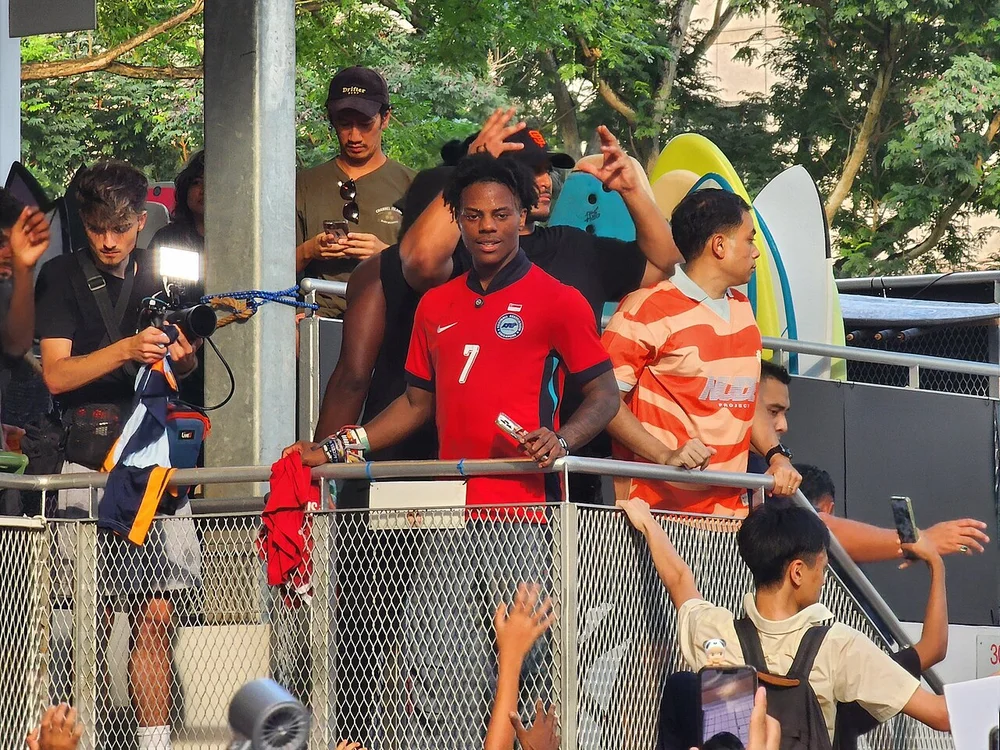 The original moment
 9:16WAIT
 Your styleTHAT
Go from a full recording to captioned clips in three steps.
Upload a stream, podcast or recording you own or have permission to clip.
Review suggested clips, style the captions and keep the action in frame.
Download your finished clips for TikTok, Reels and Shorts, or deliver them to a client.
Bold captions. Precise cuts. Sound effects that land on the moment.
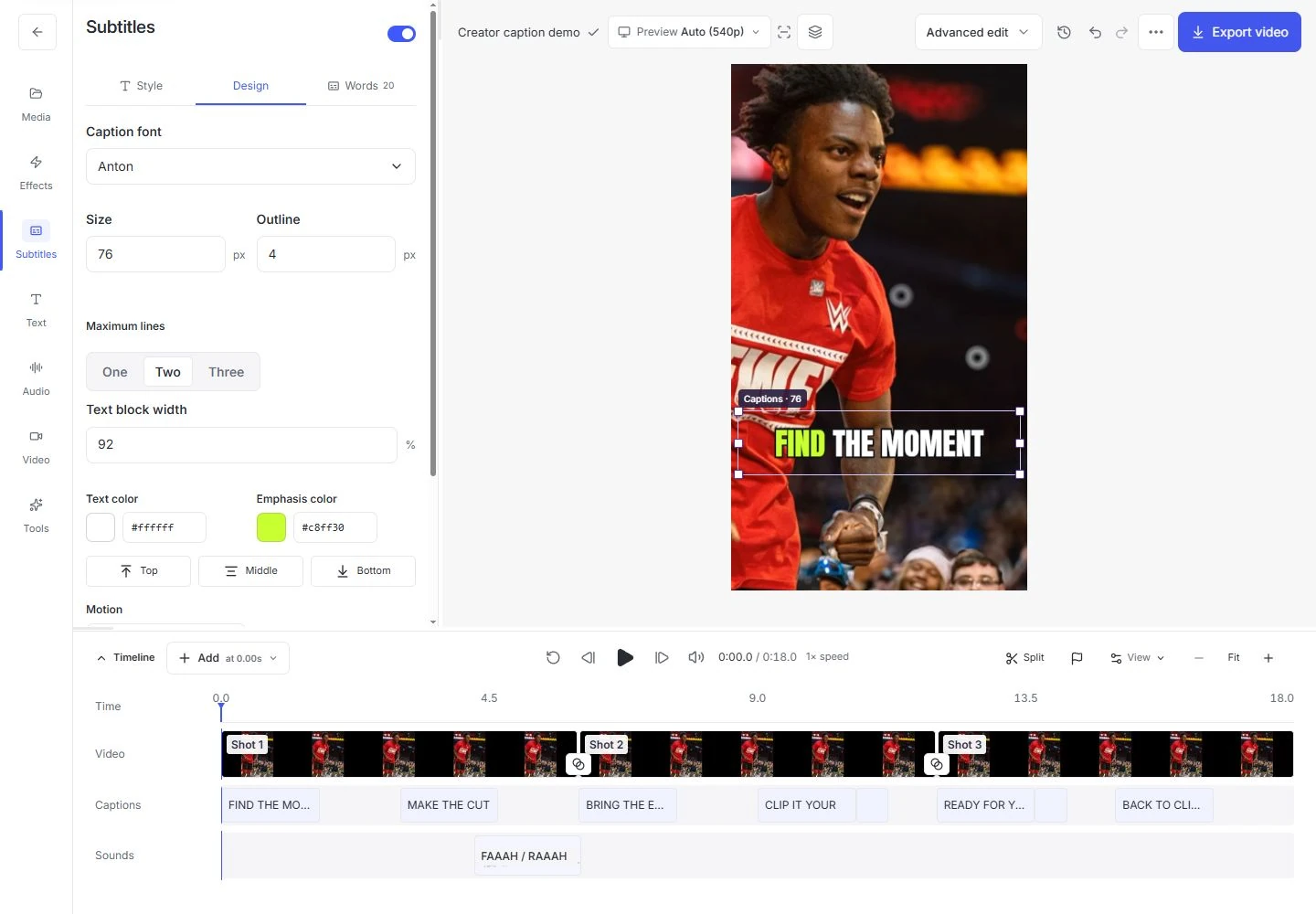
Find a hook, build the edit and get your next clip ready to post.
Find moments in long recordings. Choose your favorites and turn them into short clips.
Create narration with an available voice provider, or upload your own. Voice availability and any separate cost appear in the tool.
Describe an image for your next project. Generation requires a configured image provider.
Choose a shape, color and background to create a simple icon locally.
Develop hooks and angles, then turn an idea into an outline for your next video.
Choose the shape, keep the important details and prepare the next format.
Reduce background hiss and rumble, balance loudness and review the result.
Clean up speechChoose a useful moment, make it understandable and check the finished file.
Read guide02Editing guideA reliable order for correcting words, checking timing and choosing a caption look.
Read guide03Publishing checklistReview framing, sound, captions and the final frame in the rendered video.
Read guideStart with a recording to make captioned clips, create a narrated story from your own script, or arrange clips into a ranking video. The workspace also includes focused file tools for trimming, resizing and audio cleanup.
Yes. Suggestions are a starting point. Watch each clip, check that the moment makes sense on its own, correct the transcript and adjust the framing before exporting. A ranking is not a prediction of views.
You can correct individual words and timing, choose a caption style, add an opening title and reframe the footage. Quick edit covers common adjustments; Advanced edit opens the canvas and timeline for more control.
Yes. Upload footage and audio you have permission to use. You can also choose available built-in media. Check its source and credits before publishing; a tool cannot grant rights to someone else’s recording.
Foxel renders your composition to an MP4, with captions when enabled, plus SRT and VTT subtitle files. Preview quality is separate from export resolution. Review the actual rendered file before sharing it.
The Pricing and Account pages show the current plan information and availability. Local and hosted installations can have different limits. Read the current details there before starting a large project.
Keep your original recordings and download finished work you want to retain. Project retention depends on the installation; read the current policy in Help and Account. A saved project is not a permanent backup.
Yes. Both modes work on the same clip. Start with Quick edit, then switch to Advanced when you want more control over timing, layers and framing. Save and review the result before exporting.
Find practical guides, current limits and answers about your workspace.
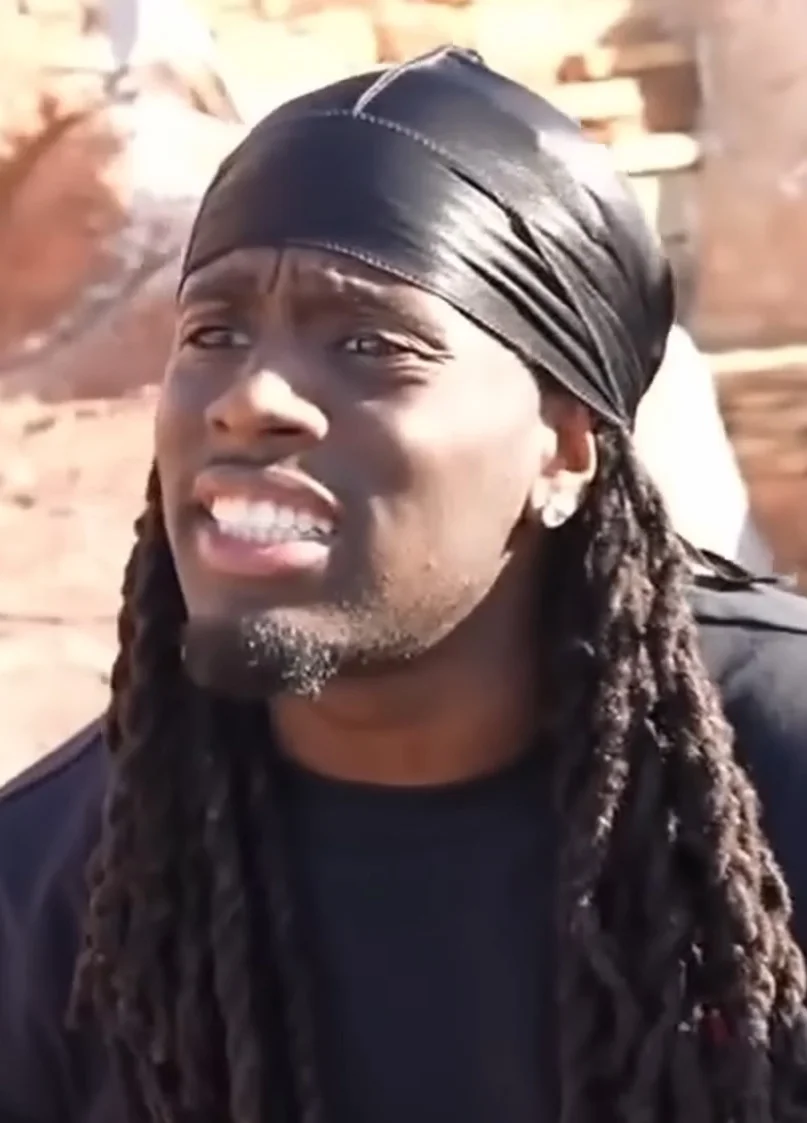
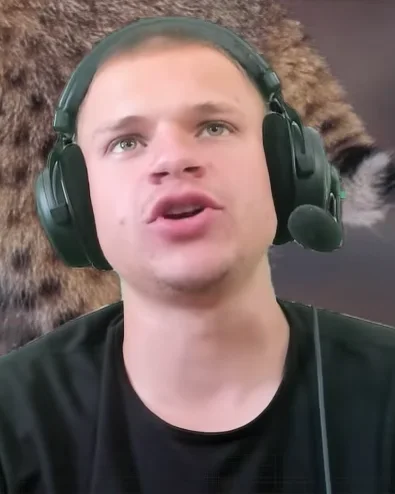 THAT
THAT