Add a recording
Paste a YouTube, Twitch or Kick recording link, or upload your video. Choose your caption look and how much to automate.
Paste a recording link. Get a shortlist of edited vertical clips, then review, refine and export your favorites.
Checking workspace access…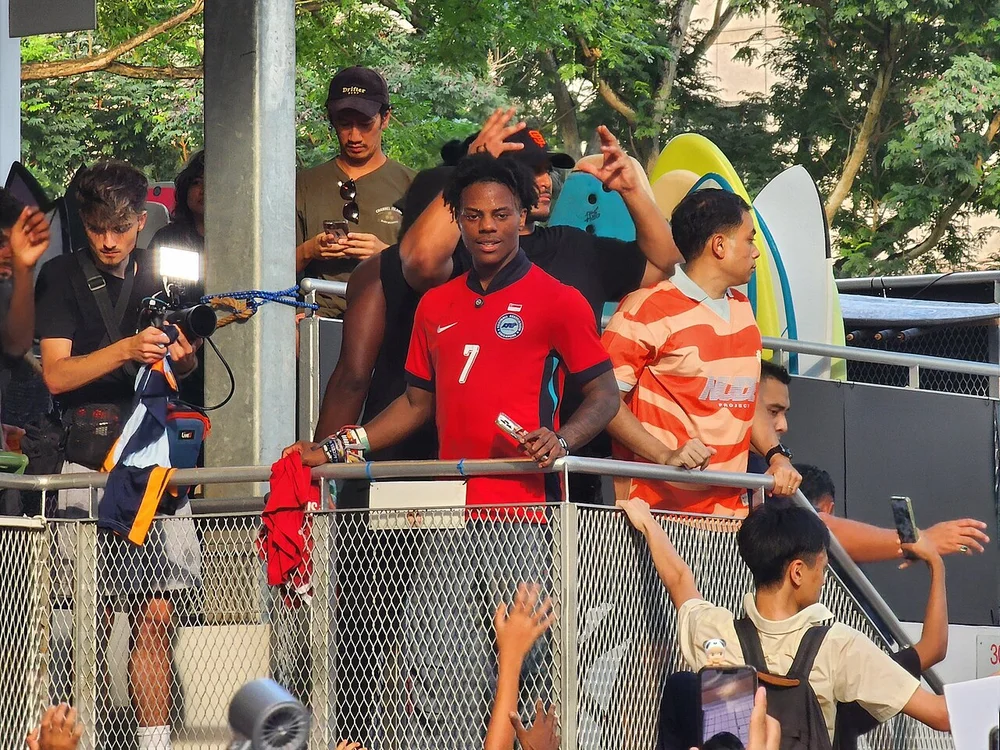 The original moment
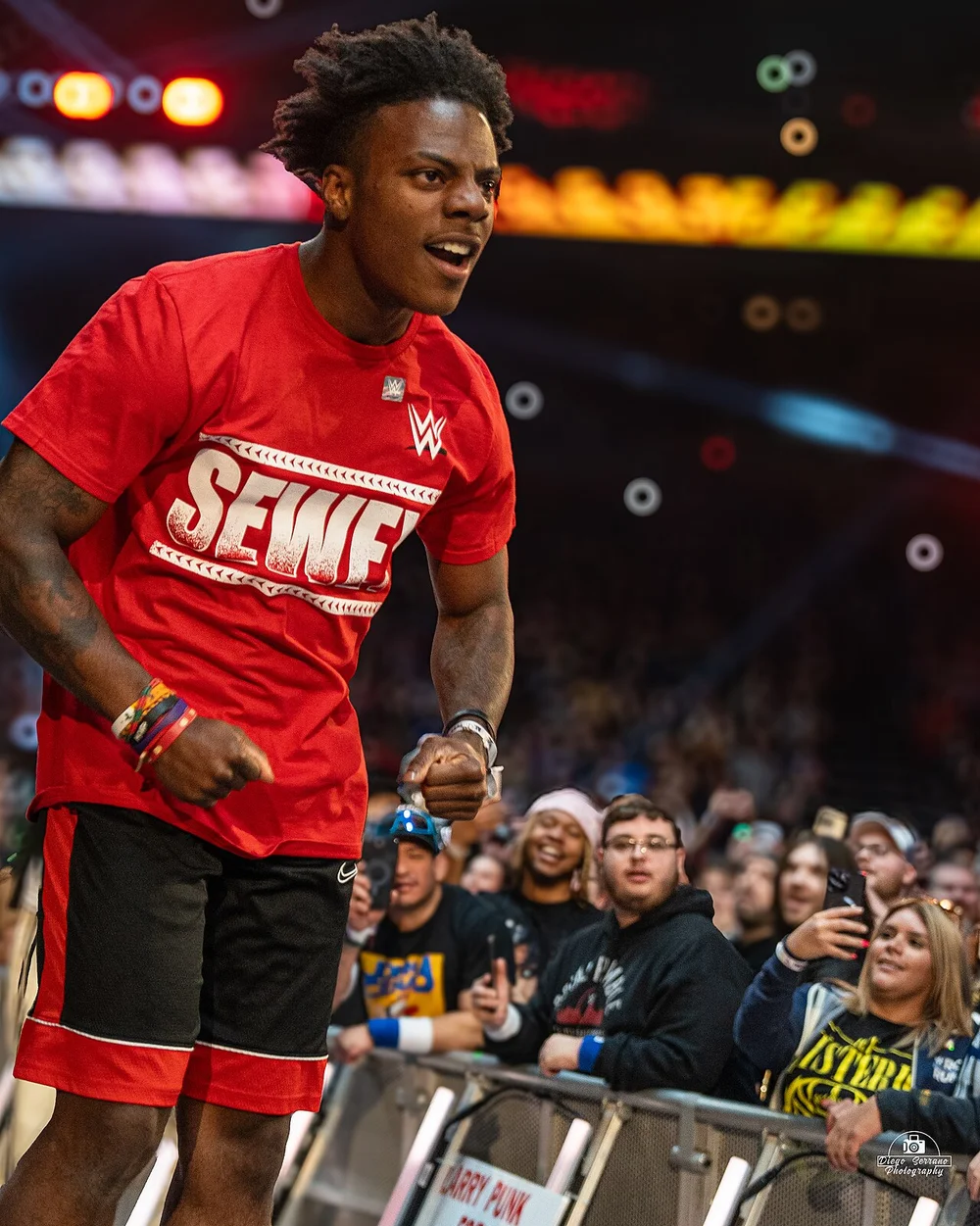 9:16WAIT
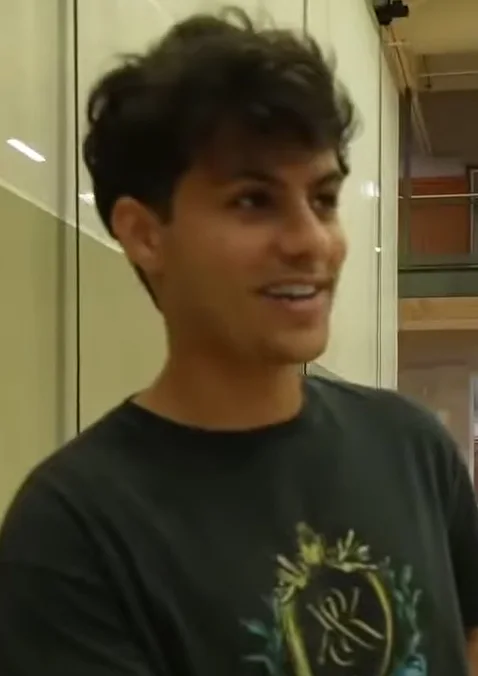 Your styleTHAT
Paste a YouTube, Twitch or Kick recording link, or upload your video. Choose your caption look and how much to automate.
Choose the moments that tell your story. Refine captions, framing and sound in Quick edit, or shape cuts and layers in Advanced edit.
Preview the finished composition, export a 1080p MP4 and download it. Your saved clips remain available in your library.
Compare the original scene with its Foxel export. Switch examples to see a narrated story, a captioned scene or a ranking with timed reveals.
Source previews are muted. The finished video plays with sound only when you press play.
The robot hand
Tears of Steel · portrait framing + word highlights
Start with a caption look. Open the timeline when you want to shape each cut, layer and effect. Both editing modes share the same composition.
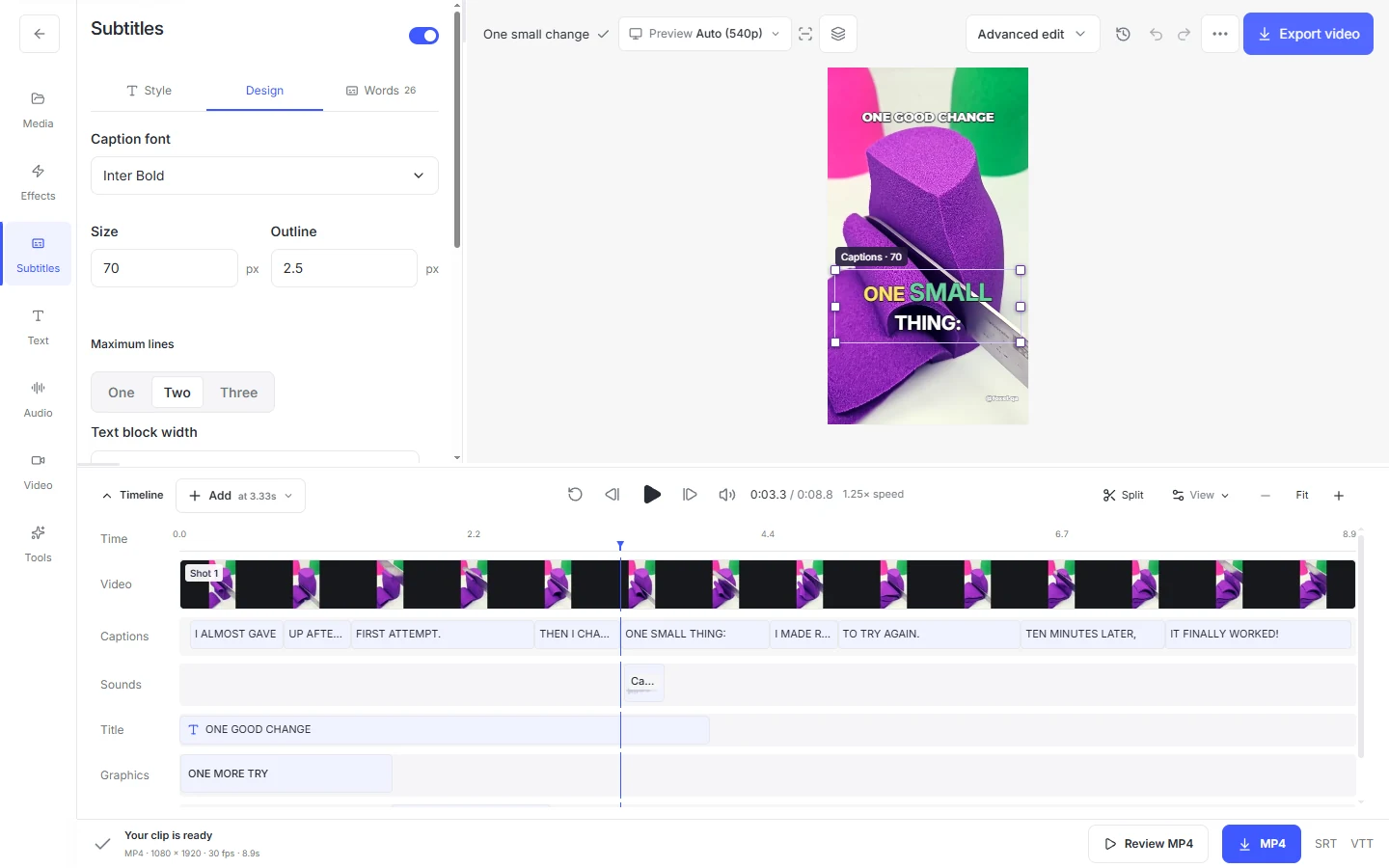
Choose a caption look, correct the transcript and emphasize individual words. Preview the changes right on the video.
Reframe the scene, move graphics and adjust their size. Use precise values when a detail matters.
Trim a moment, add a zoom or place a sound. Adjust the timing on the timeline before exporting.
Hosted workspaces require sign-in. Check media retention in Account and download finished clips you want to keep.
Creator layout examples: Stable Ronaldo by ImDavisss Live and Jynxzi by ohnepixel (CC BY 4.0); IShowSpeed RR25 by Diego Serrano (CC BY 2.0); Kai Cenat July 2025 by ImDavisss Live (CC BY 3.0); IShowSpeed in Singapore by Aerodynamically (CC0). Photos are compressed, cropped and shown with illustrative editing overlays. The pictured creators are not affiliated with Foxel.
Neon driving and portal artwork was AI generated for this site.
These four examples are actual Foxel exports, not customer testimonials. Story uses an original demonstration script and local synthetic narration. Background: “Very soothing and relaxing | Oddly Satisfying #kineticsand 421” by Serenity In sand, CC BY 3.0; trimmed, muted, cropped, and combined with captions and narration.
Dialogue: Tears of Steel, Blender Foundation / Blender Institute, directed by Ian Hubert, produced by Ton Roosendaal — CC BY 3.0. Animation: © 2006 Blender Foundation / Netherlands Media Art Institute / www.elephantsdream.org — CC BY 2.5. Excerpts were trimmed, reframed and captioned. Ranking combines these three clips with titles, a ranking board and timed reveals. Finished dialogue and animation clips keep their original sound; source previews are muted. No creator or performer endorsement is implied. Clip rankings are review aids, not promises of views.


